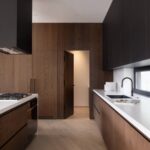

I know a productive home office requires five essential elements. First, choose a specific corner or table dedicated to work. Second, invest in an ergonomic chair and desk to support your back. Third, ensure you have reliable equipment, like a quality keyboard and fast internet, to enhance your workflow. Fourth, position lighting at a 45-degree angle and use multiple lamps to minimize glare. Finally, establish a consistent shutdown ritual at a set time. Stay tuned for detailed tips on mastering each of these elements.
Carve Out Your Work From Home Space (Even If It’s Small)
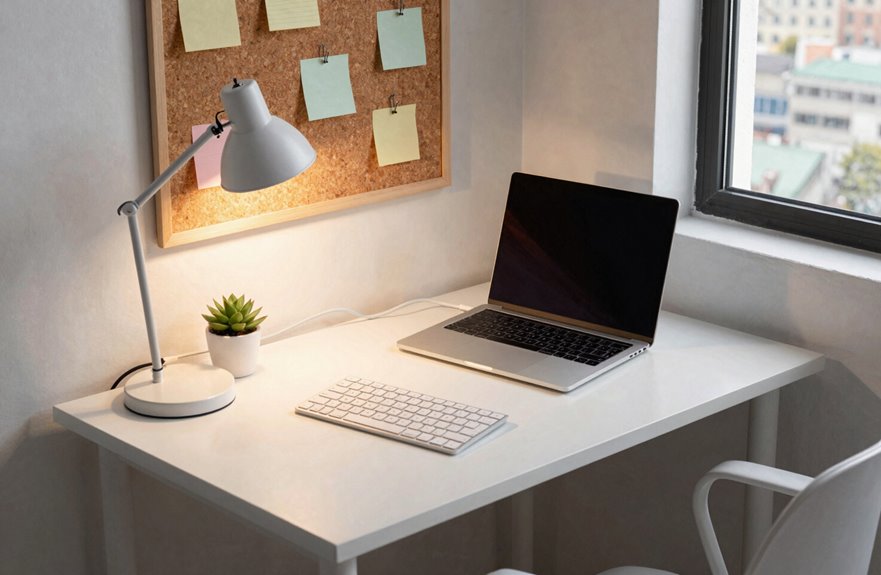
When I first started working from home, I believed I needed an entire room to be productive. However, you only need a dedicated workspace that feels like yours.
Make It Yours
Choose a corner or small table for your home office. Keep the surface minimal with just your monitor, keyboard, and mouse. This helps reduce visual clutter quickly.
Add Light and Comfort
Set up near natural light if possible, while avoiding harsh screen glare. Even in a compact area, a small ergonomic setup can keep your body comfortable and supported.
Protect Your Time
Establish clear boundaries. Start and stop work at the same times each day. This routine helps your brain recognize when to focus, which allows you to maintain your off-hours effectively.

【ERGONOMIC OFFICE CHAIR】- The ergonomic chair provides 4 supporting points(head/ back/ hips/ hands) and a proper lumbar support. Suitable for people of about 5'2" to 6'1"(Please refer to the height of the user). It's easy to adjust seat height, headrest, backrest and flip-up arms to meet different needs, good for sitting long hours.
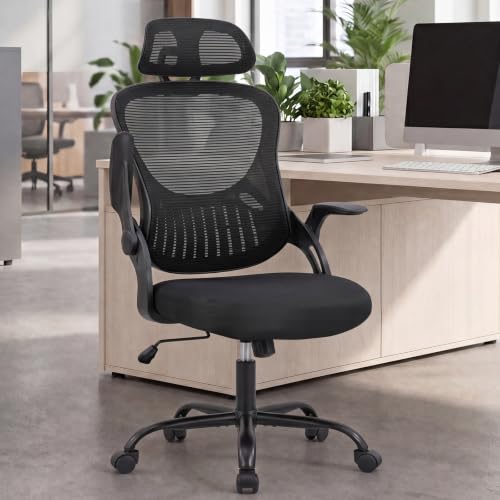
Adaptive Ergonomic Support: This ergonomic office chair features prominent lumbar support that follows your spine's natural curve. The breathable mesh back and high-density sponge seat keep you cool and comfortable during long work hours — ideal for anyone seeking an ergonomic chair with real lumbar support
Buy a Chair and Desk That Won’t Break Your Back
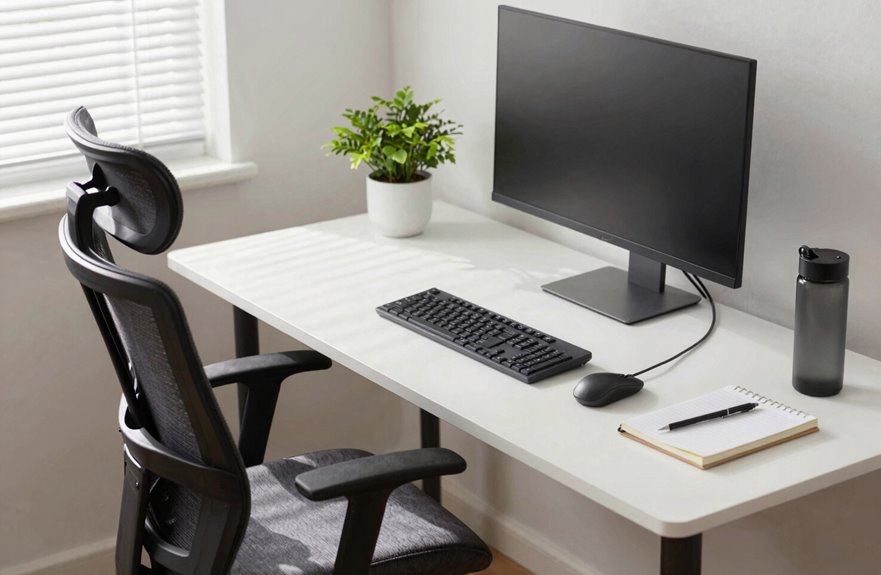
Why do so many of us ignore our backs until they’re in pain? I’ve learned that your body deserves better.
Why do so many of us ignore our backs until they’re in pain? I’ve learned that your body deserves better.
Finding Your Foundation
I started with an ergonomic chair that offers adjustable height and solid lumbar support. When my knees rest at 90 to 110 degrees, I feel the difference immediately; my proper posture actually improves.
Matching Your Desk
I paired mine with a desk at elbow height, around 28 to 30 inches. This keeps my wrists neutral and my shoulders relaxed. No more hunching or strain.
What to Look For
- Breathable materials that won’t trap heat
- Contoured cushions supporting your thighs
- Ample leg room underneath
- A monitor at eye level to protect your neck
I tested chairs for long-term comfort before committing. Investing in the right furniture can significantly enhance your well-being.

Deeper & Thicker Desktop: This stand up desk is 6" deeper and 200% thicker than standard standing desks, providing a tougher, more durable surface that resists warping and can handle heavier items. Enjoy extra space for more monitors, laptopsand essentials with easier multitasking and a cleaner, more efficient workspace

Create Instant Active Standing: Go from sitting to standing in one smooth motion with this complete active workstation providing comfortable viewing angles and customized user heights

Rock-solid Stability : DeskShow standing desk is engineered with a heavy-duty 2.5mm steel base and a reinforced double-beam design, delivering unwavering support for all your office essentials. The upgraded frame offers a robust lifting capacity of up to 220 lbs(100 kg).
Equip Your Setup With Gear That Works Under Pressure
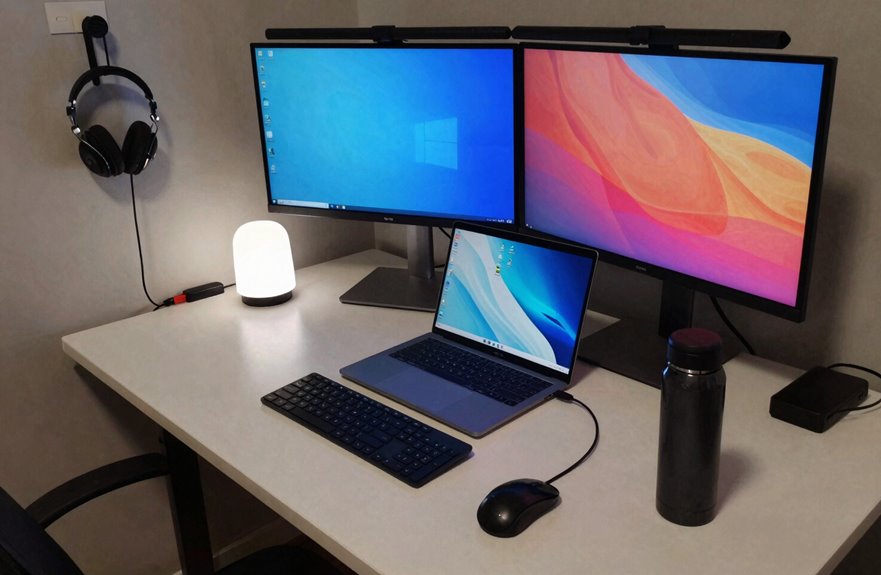
How often do you finish a long day feeling drained, only to realize your gear made everything harder? I’ve been there, which is why I rely on ergonomic tools that genuinely support me.
My Gear Essentials:
- Ergonomic keyboard and mouse – tactile keys and a comfy grip reduce fatigue during long sessions.
- Reliable internet – nothing disrupts productivity like lagging video calls or dropped connections.
- Second monitor – I can multitask without straining my eyes on small windows.
- A comfortable chair – even the best desk fails without proper seating.
- Height-adjustable desk – I can switch between standing and sitting, keeping my body comfortable.
Work from home success means your setup enhances your productivity and well-being.

Dimension of keyboard wrist rest: 17.32 x 3.15 inch, that of circle curved mousepad wrist support: 9.65 x 8.66 inch, dimension of coaster: 3.9 inch (diameter). Fits all mouse/keyboard. Compatible with MacBook / Notebook / Chromebook / Ultrabook / Desktop / PC, also compatible with iMac.

Ergonomic Design: Ergonomically designed to keep wrists aligned with the keyboard and mouse, helping reduce wrist pain, fatigue, and strain during long hours of typing, gaming, or office work. Provides stable, comfortable support for everyday computer use.

【Softer and More Comfortable】Vaydeer wrist rest has unique diamond pattern, which is the combination of softness and aesthetics. The materials of wrist rest are improved into higher quality memory foam and covered with silky smooth lycra. The computer wrist rest makes you as comfortable and cushiony as like rest your wrists on clouds.
Position Light Sources to Eliminate Glare and Shadow
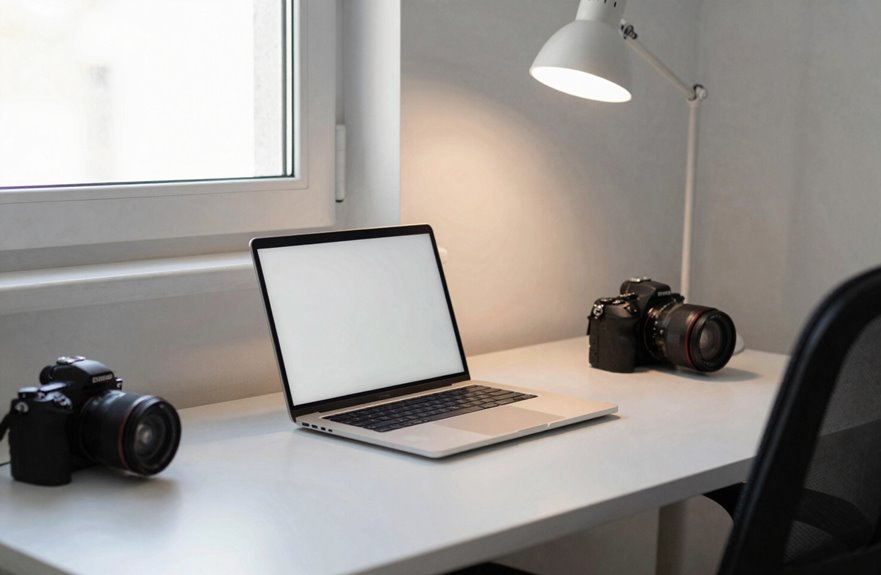
Have you ever noticed how a headache can follow hours spent at your desk? I used to blame my screen until I realized that proper lighting was the real issue.
Here are some effective strategies for reducing glare and shadow:
- Angle your main light like a friendly spotlight at 45 degrees to your dominant side, slightly above eye level. This positioning helps prevent reflections from interfering with your monitor.
- Layer your lights with overhead lighting, a desk lamp, and a soft background glow behind your screen. This combination creates a more balanced lighting environment and significantly reduces eye strain.
- Check your windows. I adjust my screen angle and use blinds to control the changing daylight, effectively minimizing glare.
I also replaced bare bulbs with diffused sources. Now I test my setup at different times of the day, adjusting lamp positions until the lighting feels comfortable and clear.

Compatible with Wide Screens - To ensure compatibility with the dual monitor mount, your each monitor must meet three conditions at the same time: First, computer screens size range: 13 to 32 inches. Second, screen weight range: 4.4 to 19.8 lbs. Third, the back of the monitor screen must have VESA mounting holes with a pitch of 75x75mm or 100x100mm.

Computer Compatibility - To ensure compatibility of the dual monitor mount, each of your monitors must meet three conditions: Firstly, screen size range: 13 to 32 inches. Secondly, screen weight limit: 17.6lbs. Thirdly, there must be VESA mounting holes on the back of the monitor screen that are spaced 75x75 mm or 100x100 mm apart. Please make sure that your monitor meets all of the above conditions before purchasing, if you are still unsure, you can seek help from customer service.

Screen Compatibility: Universally compatible with most 17-inch to 32-inch flat and curved screens weighing from 4.4 lbs to 19.8 lbs each with VESA 75x75mm or 100x100mm mounting patterns
Design a Shutdown Routine That Actually Ends Your Day
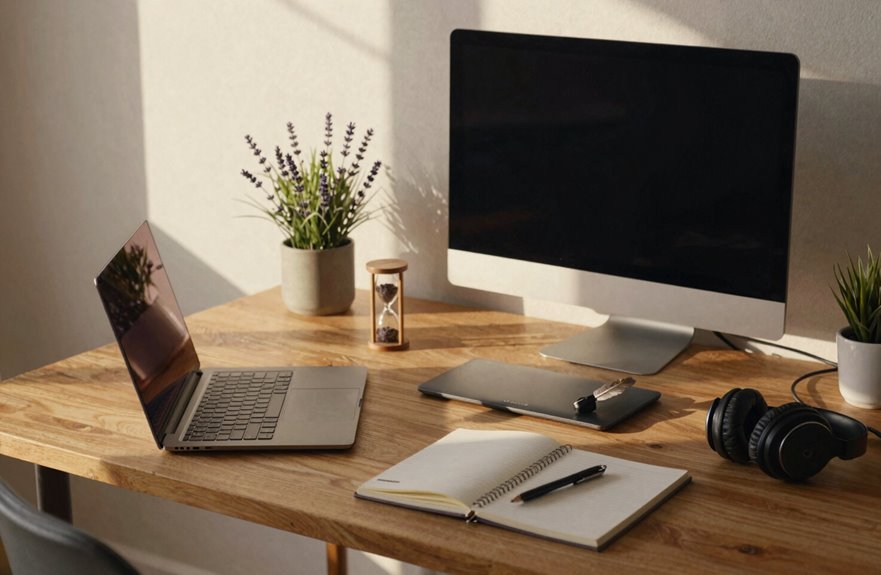
Good lighting keeps your eyes happy during the day; boundaries matter just as much at 5 PM as brightness matters at 9 AM.
Morning light guards your focus; evening boundaries preserve your peace.
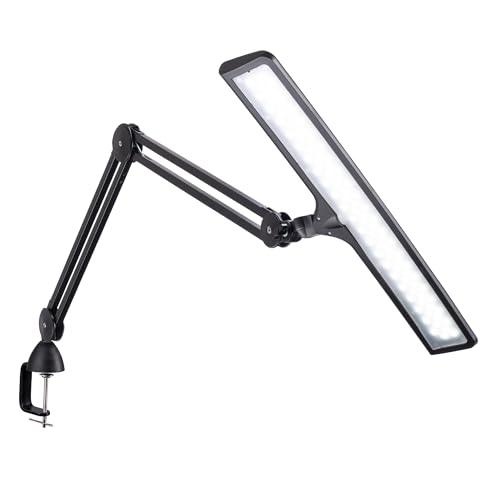
ULTRA-BRIGHT 4000 LUX DAYLIGHT LED DESK LAMP: Illuminate your workspace with powerful, energy-efficient LED light for improved focus, productivity, and eye health. Perfect for home offices, artists, and professionals

THREE ADJUSTABLE LIGHT MODES: Switch between 3000K warm, 4000K neutral, and 6500K cool light to match different activities such as reading, working, or relaxing.
Your End-of-Day Routine
I stick to a fixed shutdown time and run through my 5-step shutdown ritual: save work, close apps, back up files, log tomorrow’s tasks, then lock my screen. I keep a checklist at my dedicated workspace to turn off notifications, close extra browser tabs, and tidy my desk.

Most Comfortable And Relaxing: Equipped with headrest and lumbar pillow. When your neck feels sore from gaming or working with head down for a long time, the headrest will relieve your fatigue. When tired from maintaining a same sitting posture, please rest assured to lean back and charge your waist pillow, it will relax your tired waist energetically.

Office Chairs for Long Working: Ergonomic tall office chairs adopts with scientific S-shaped spine fitting design to provides greater comfort, Synoral home tall office chairs meet different needs, with seat height, headrest adjustment, lumbar Support and backrest adjustment provide comfort while working from home work.

ERGONOMIC LUMBAR SUPPORT: This ergonomic home office chair eases back pain from long work or gaming sessions. Built-in lumbar support and a winged mid-back fit your spine’s natural curve, reducing pressure and promoting healthy posture effortlessly.
Workspace Cueing That Works
I archive today’s files with timestamps, then spend five minutes stretching or wiping down my space. Finally, I dim my lights; this signals to my brain that work from home is done.
These productivity habits protect your evenings. Your future self will appreciate the effort.
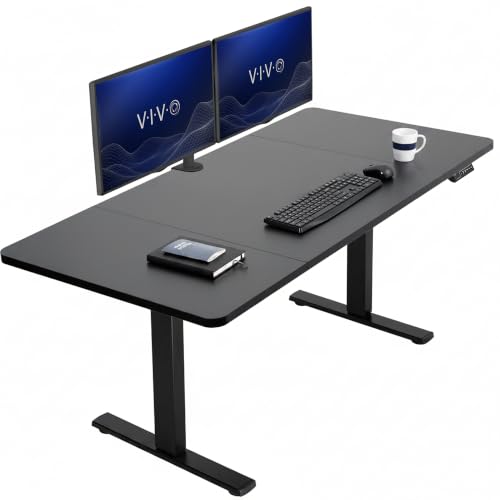
Create Instant Active Standing: Go from sitting to standing in one smooth motion with this complete workstation providing comfortable viewing angles and customized user heights

Built-in Convenience Features: Includes integrated hooks for headphones or bags, a cable management tray, and desktop grommets to keep wires organized and out of sight.

Multipurpose Mobile Laptop Desk: 28.3''x19'' rolling desk is equipped with cup holder and dedicated slots, it's a good way to contain your drink and office supplies. Meanwhile, Hook design makes it convenient to organize your headset or backpack.